

Jellyfin is a free software media system that gives you control over managing and streaming your media.
It is an open-source alternative to proprietary platforms like Emby and Plex, delivering media from a dedicated server to end-user devices via multiple apps
.
Download and Setup
1.In Docker -> Featured Applications, find the container you want to download and click "Install" to pull the image.

2.When "Successfully" appears, it means the pull was successful.

3.Click the "Start" button to launch the container. After a successful startup, click the "Open" button and you will be automatically redirected to the web UI interface.

4.After entering the web UI interface, select your preferred display language. Here, we use Simplified Chinese as an example.

5.Click "Next" to create an administrator account.

6.For now, do not add a media library. We will set it up later.

7.Set the language for scraping metadata, then click "Next".

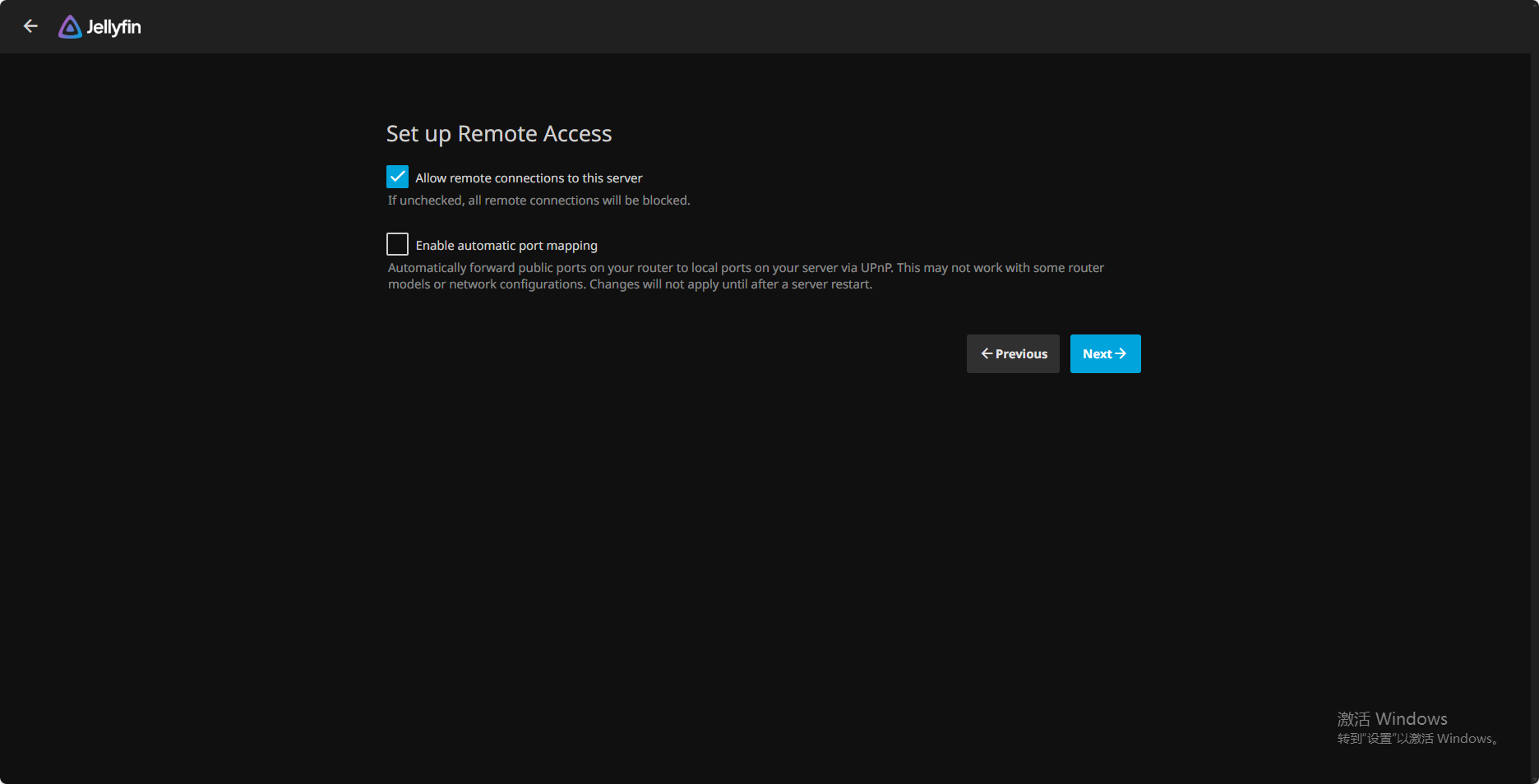
8.The default remote access settings are fine. Click "Next".
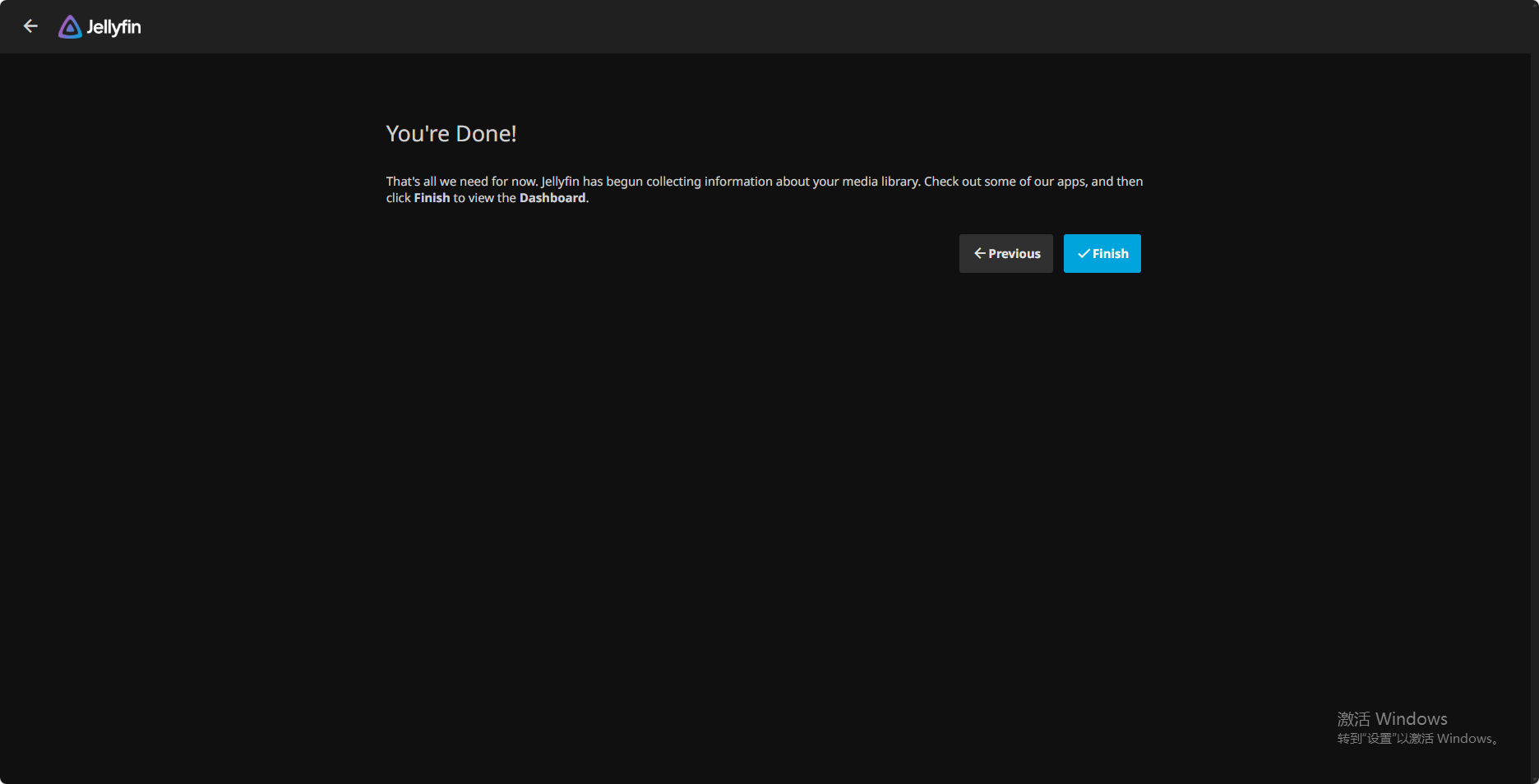
9.The initialization setup is now complete.
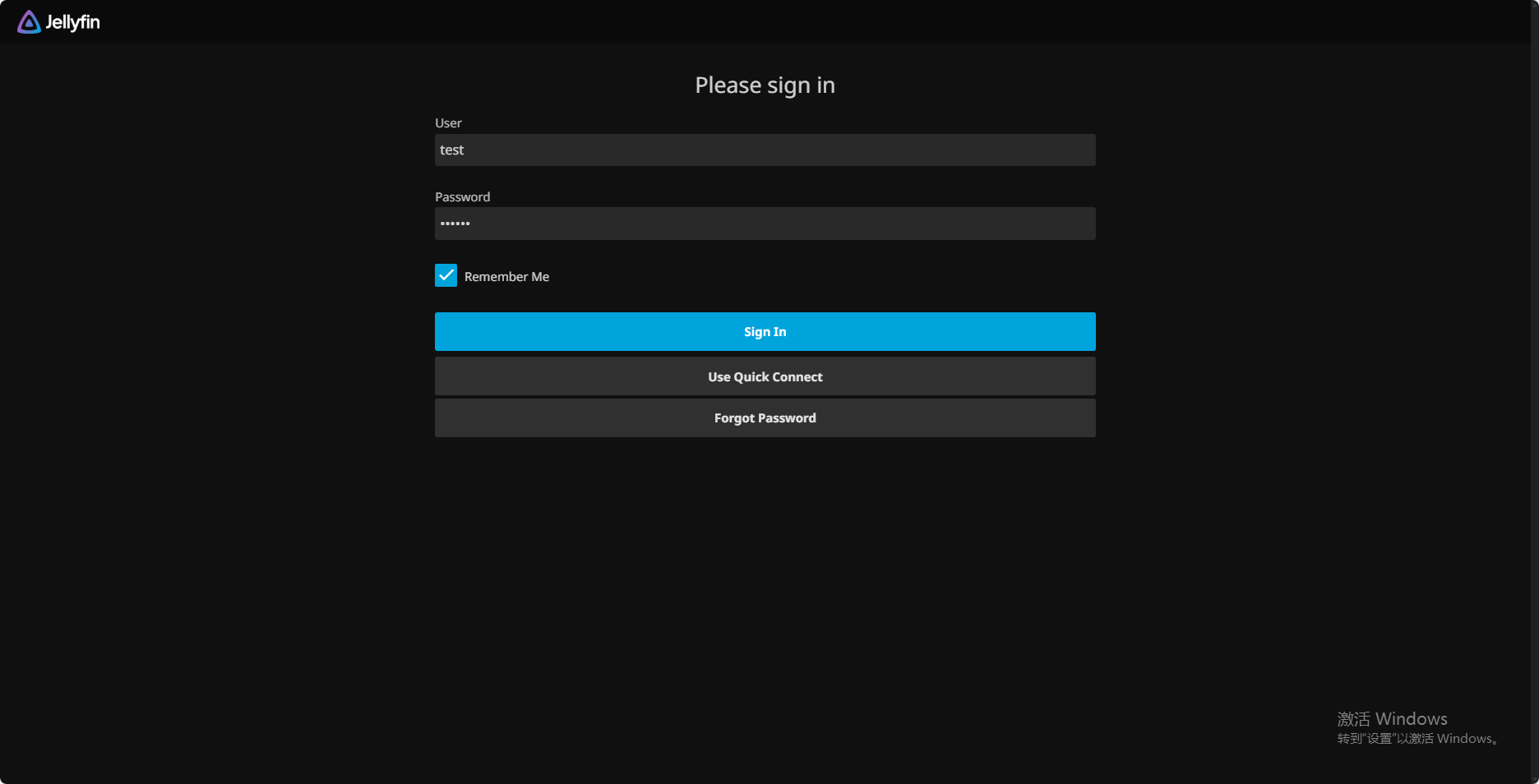
10.After initialization, log in with the administrator account you just created.
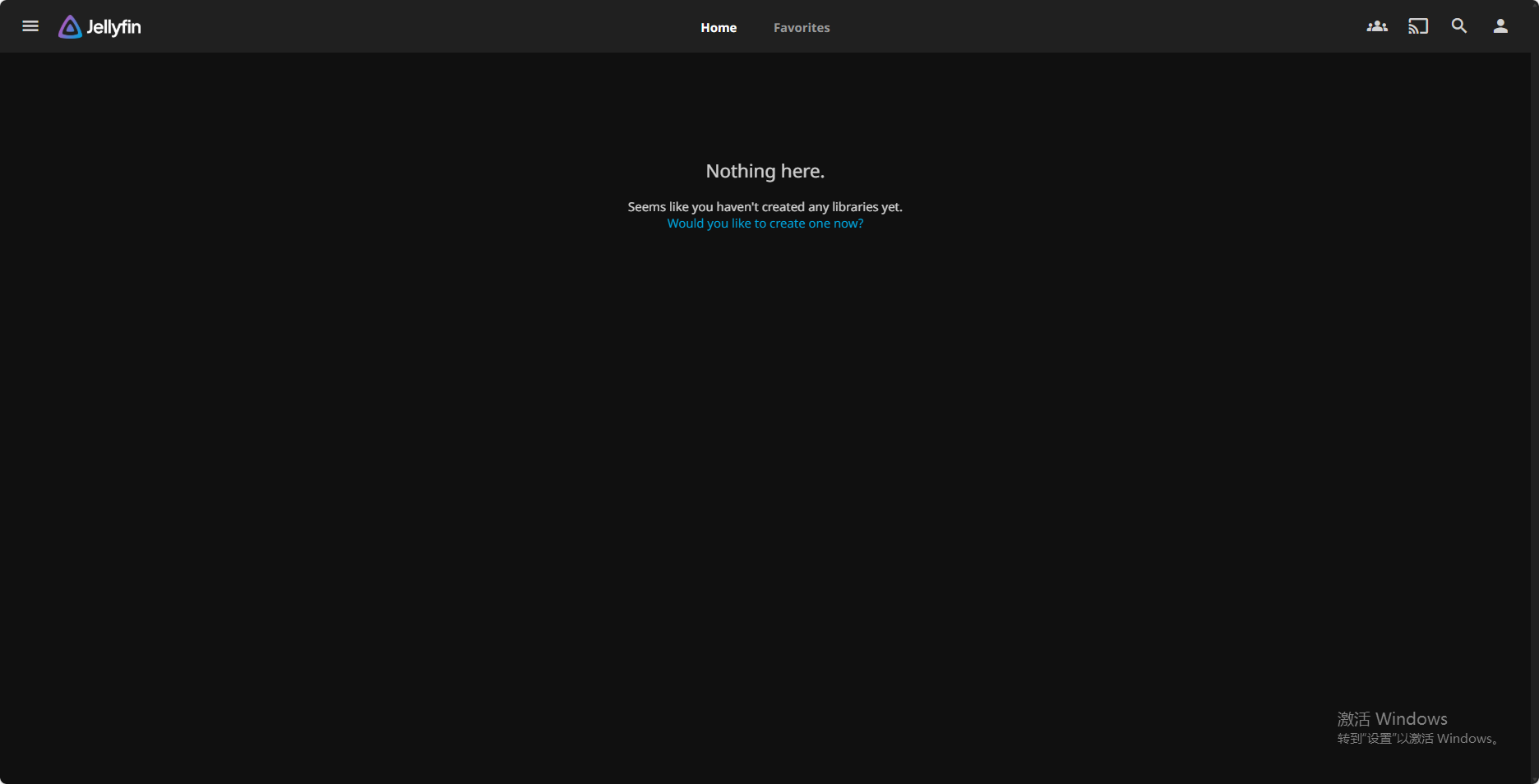
11.Enter the home page. Since the media library has not been set up yet, no content will be displayed here.
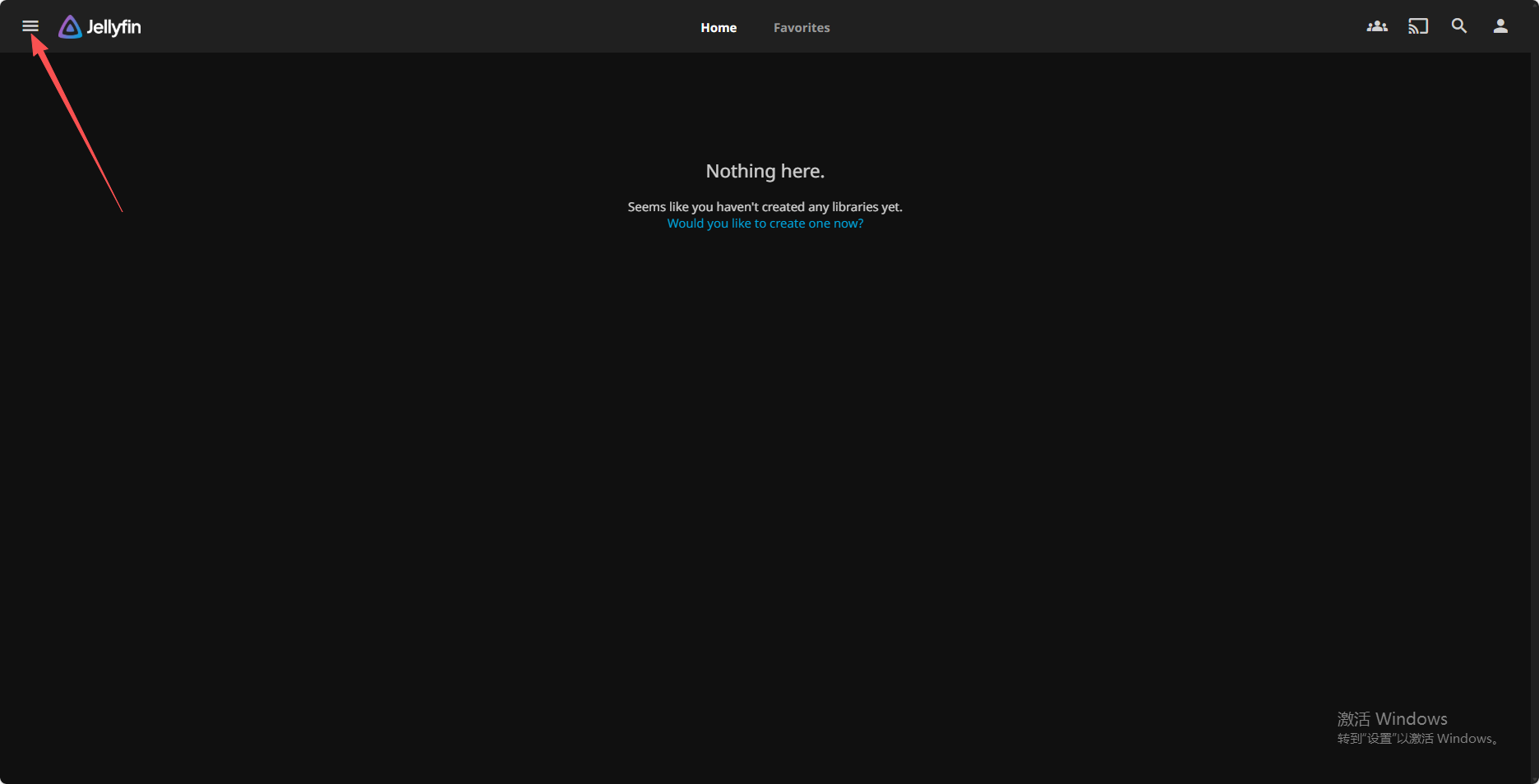
12.Control Panel (click the upper-left corner to expand).
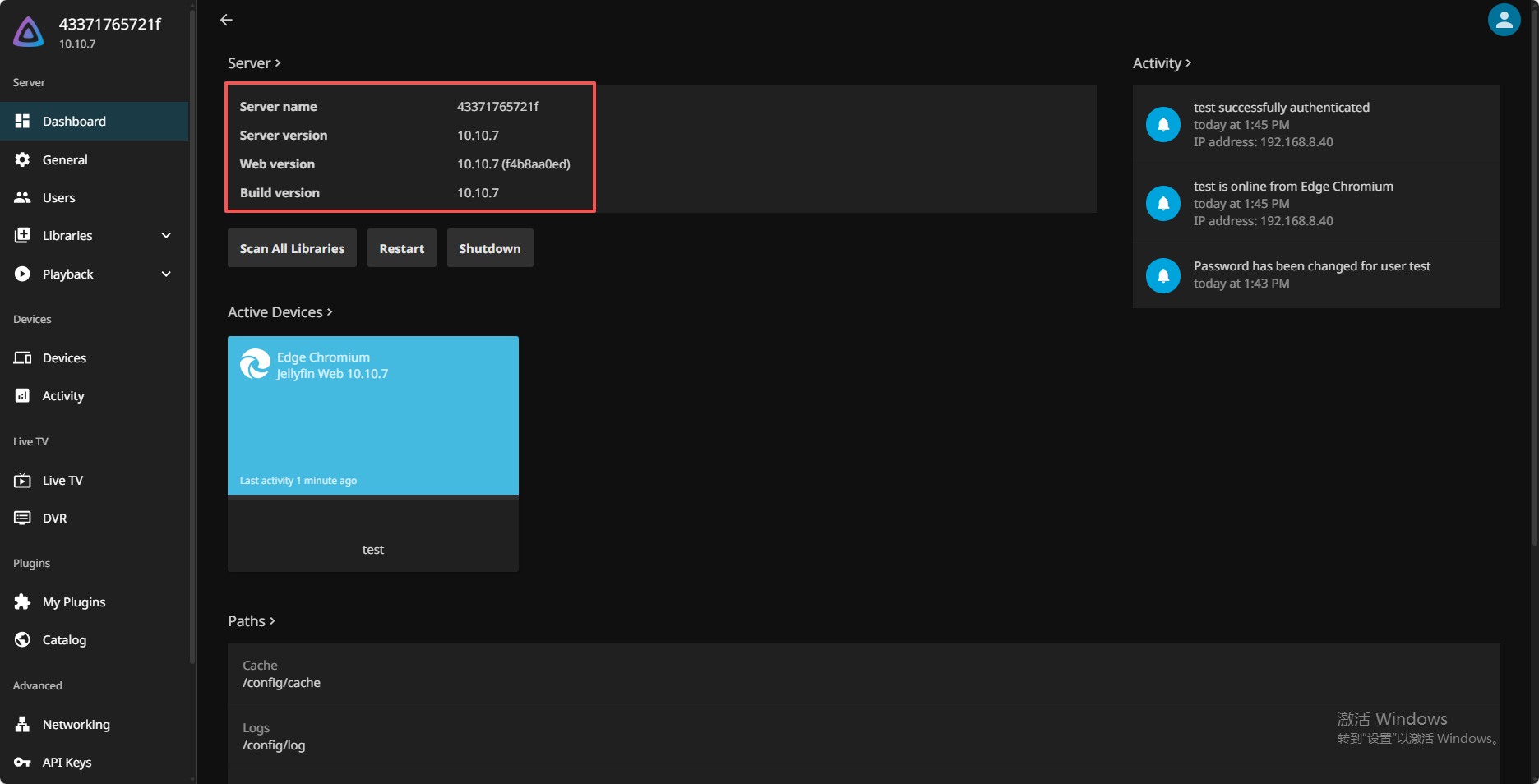
13.Click "Control Panel" to view the server information. The current Jellyfin version is 10.10.7.
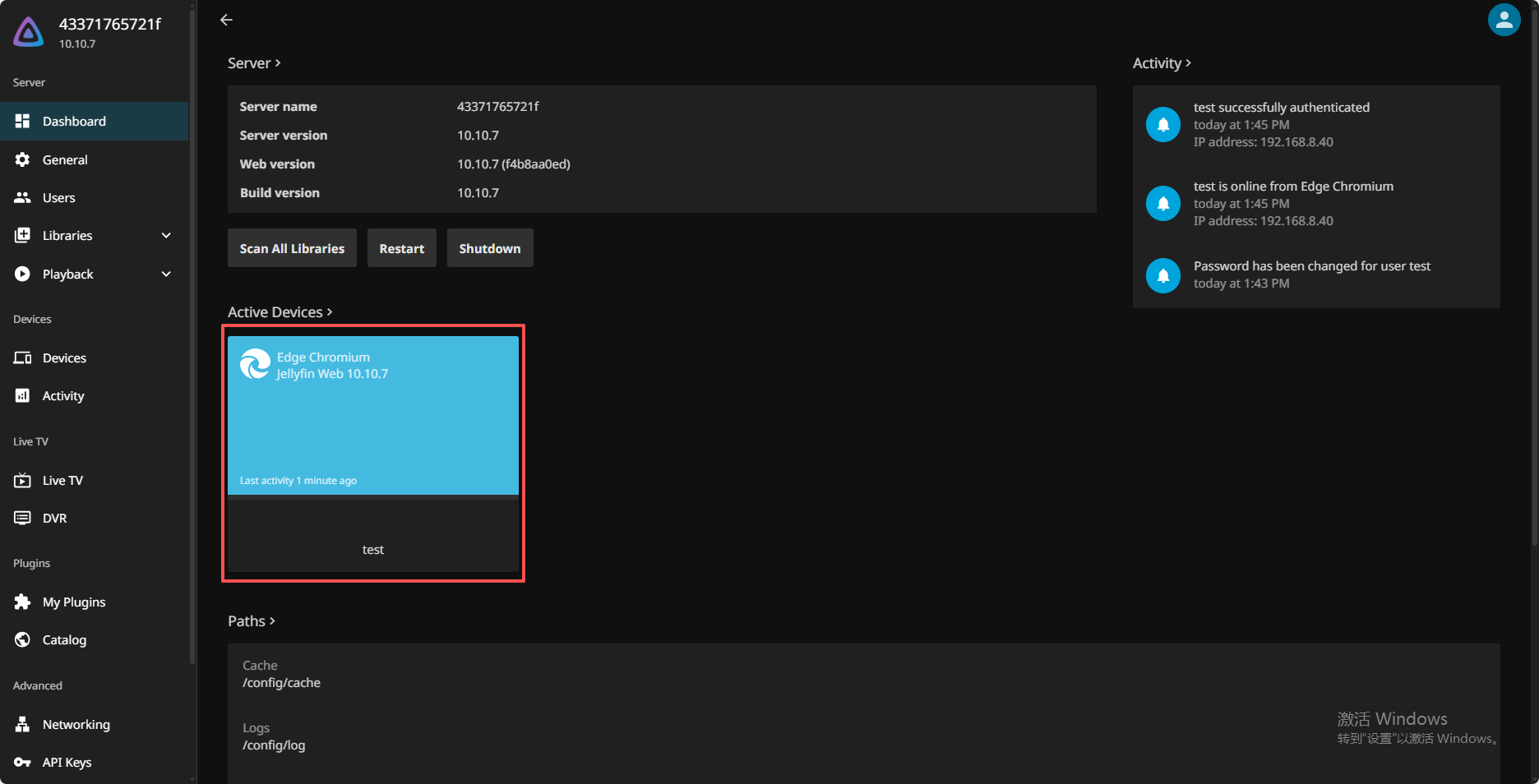
14.Below you can see the number of active devices and the media being used.
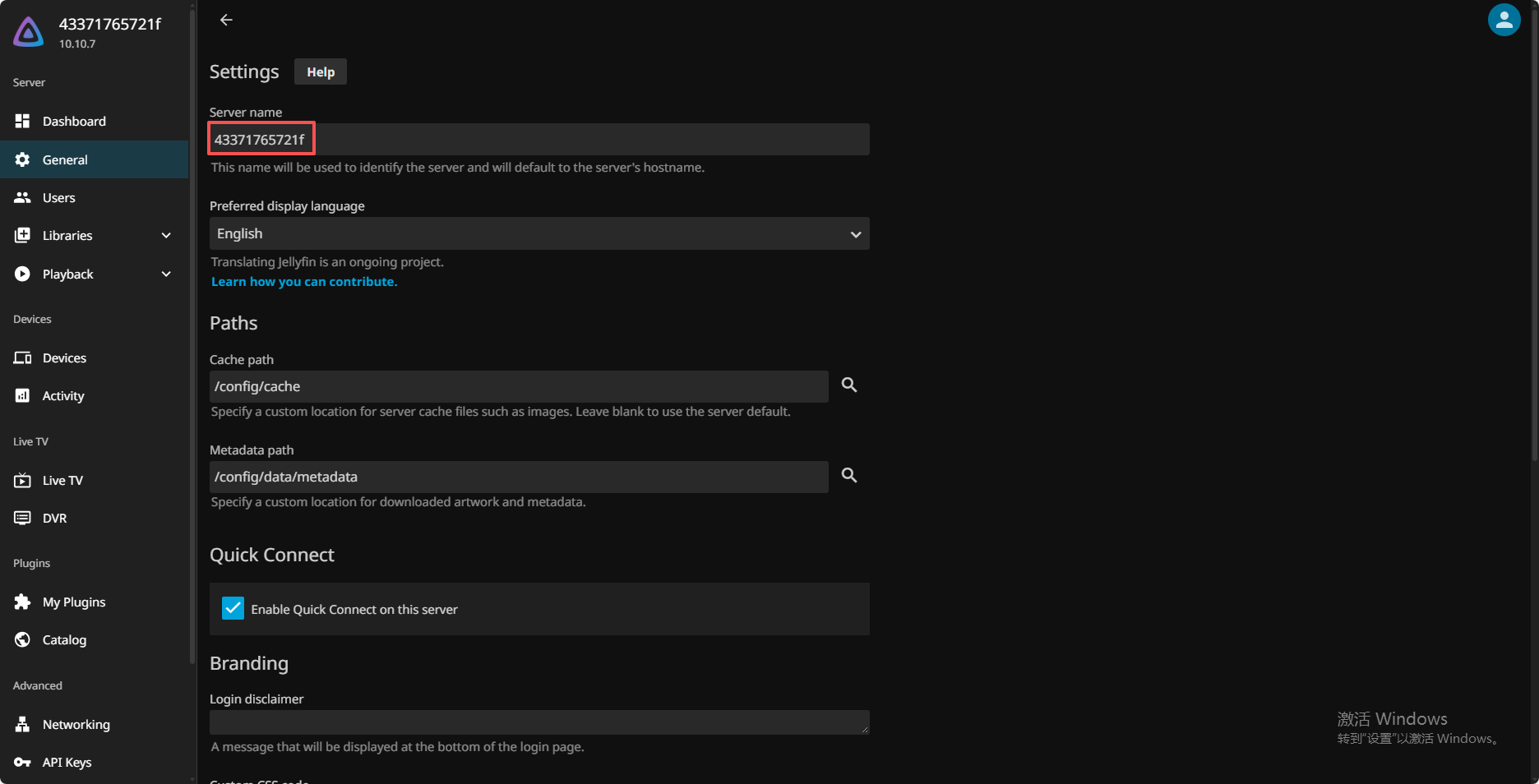
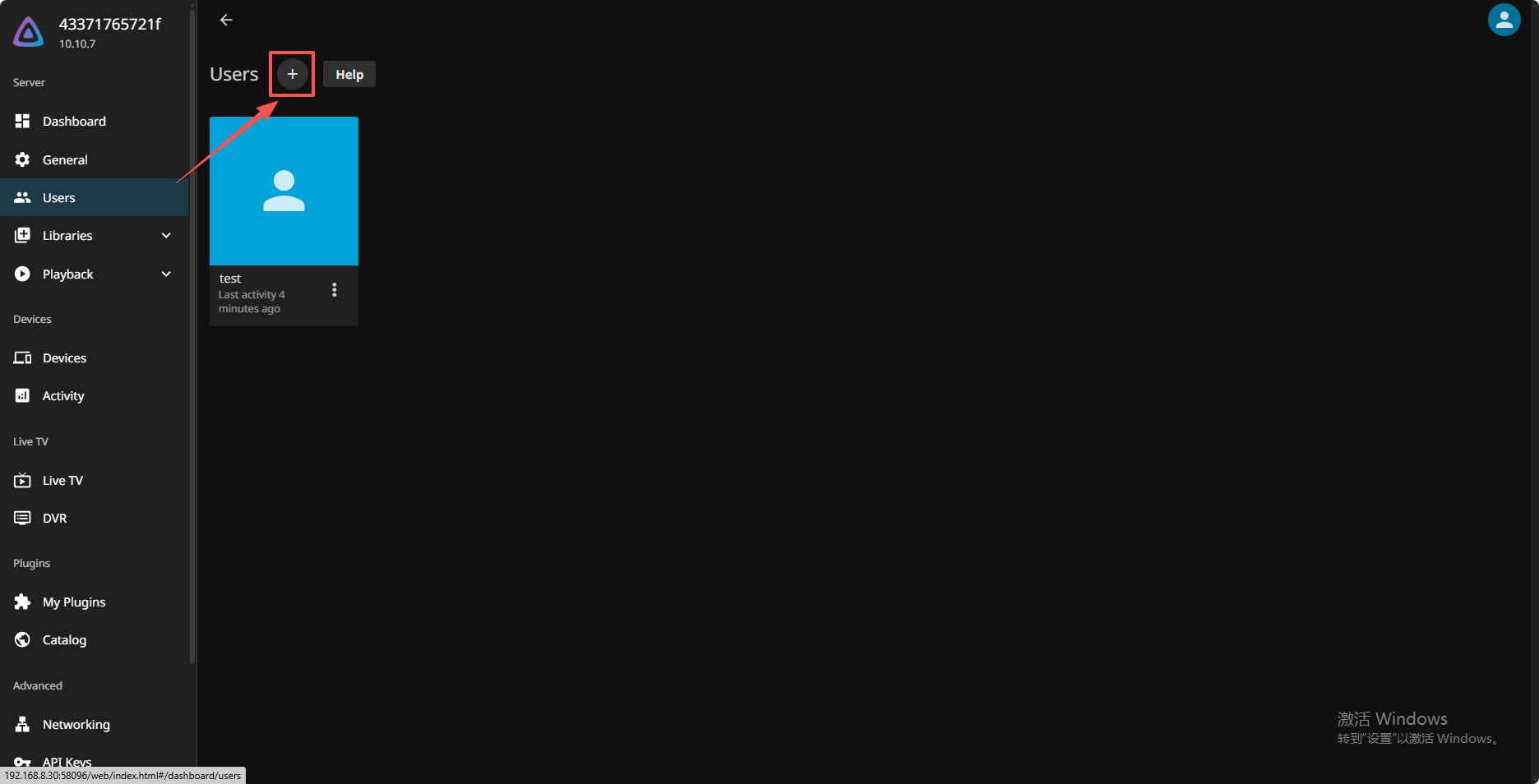
16.If multi-user access is required, you can create additional users as needed.
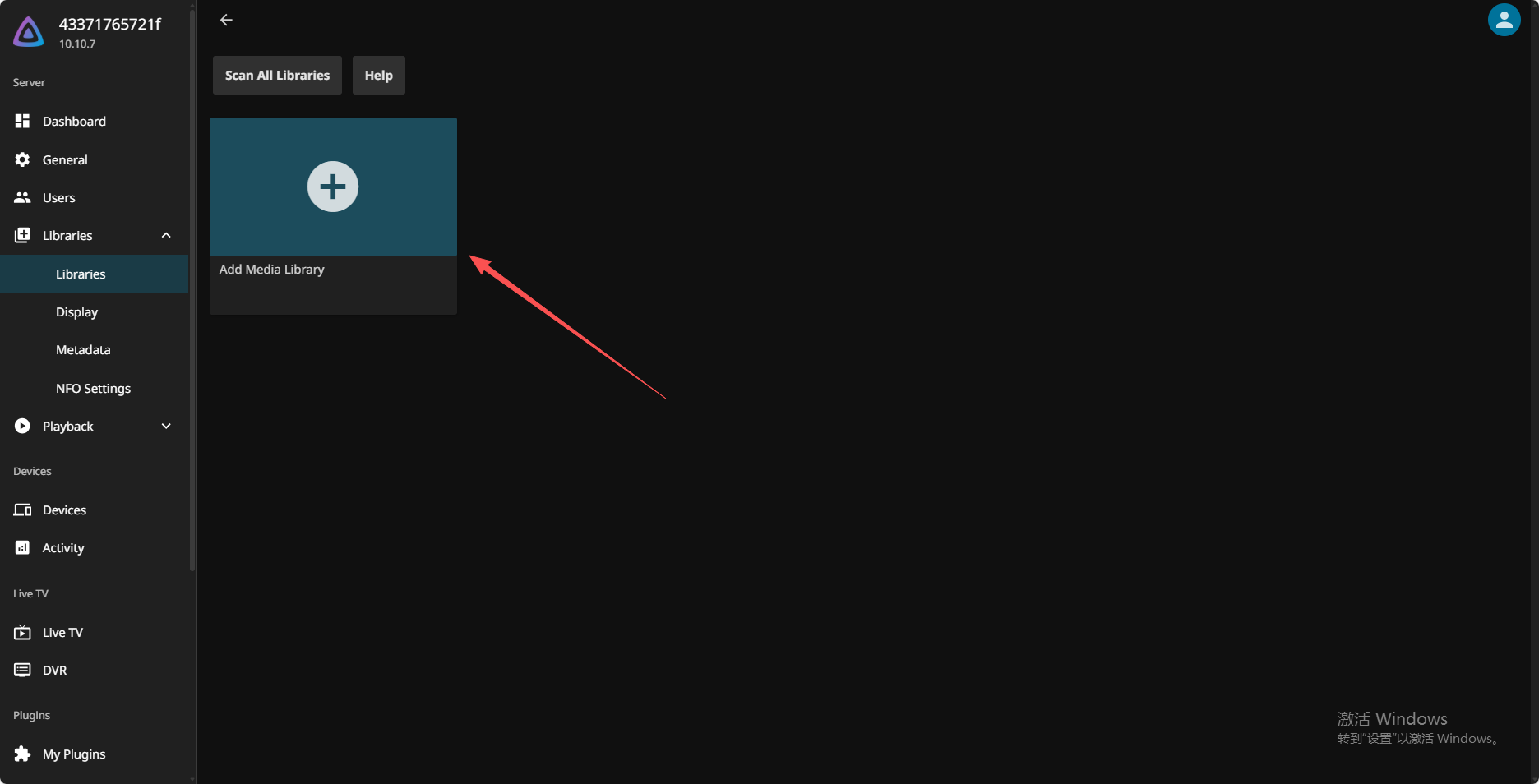
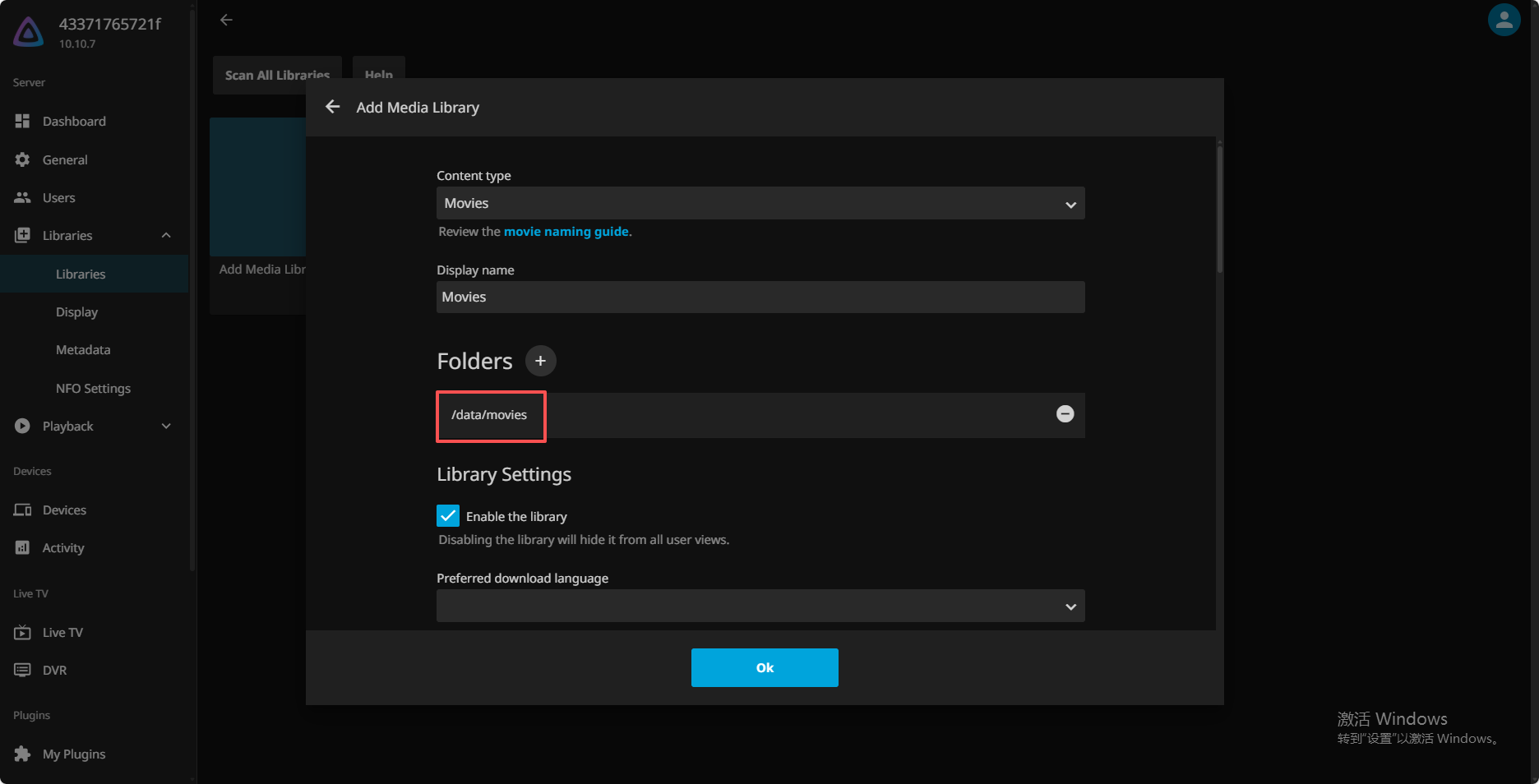
17.Click "Add Media Library".
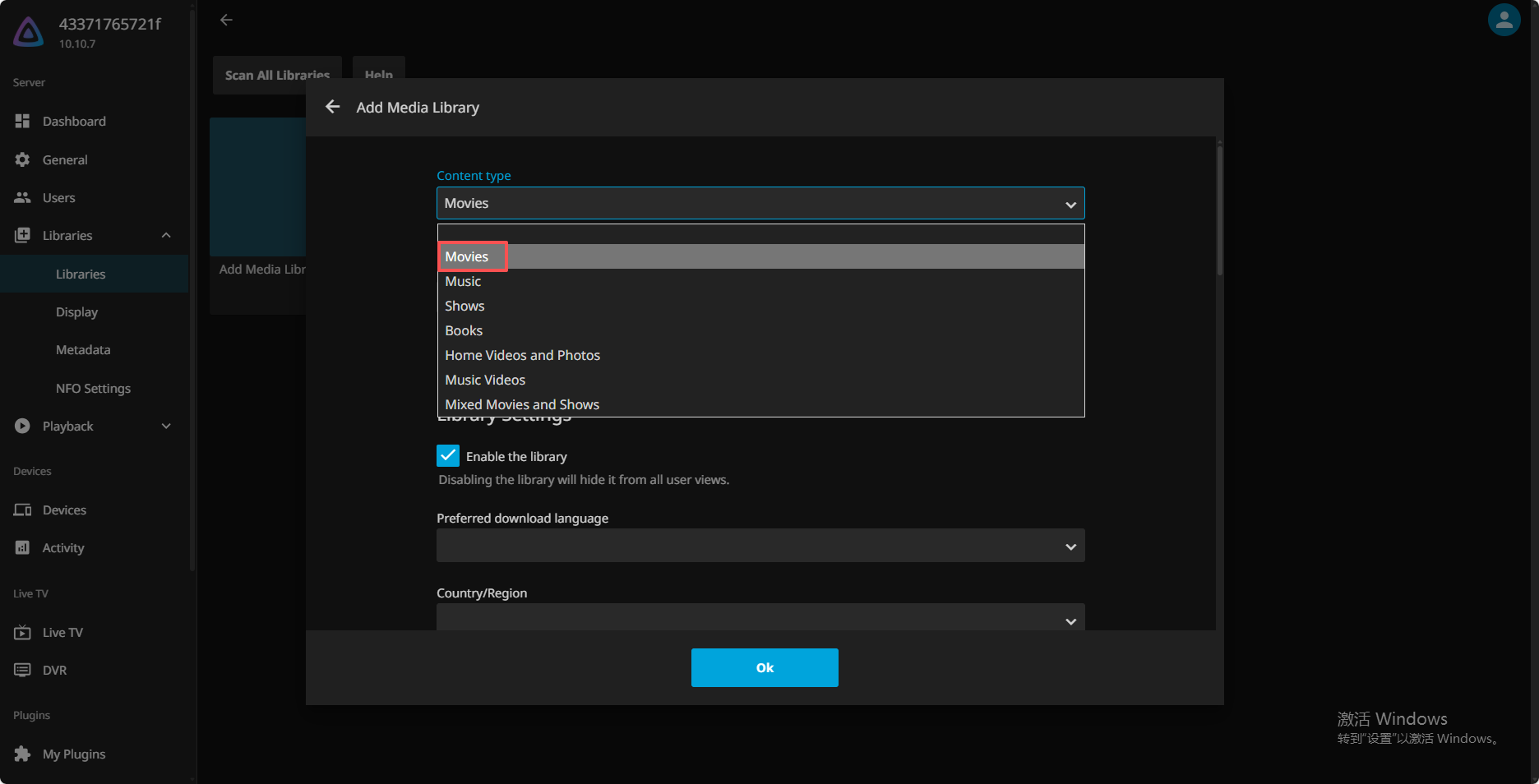
Select the content type. The display name can be modified as needed.
Select the folder where the movies are stored. You can select multiple folders.
If the folder names are messy or disorganized, you can check this option.
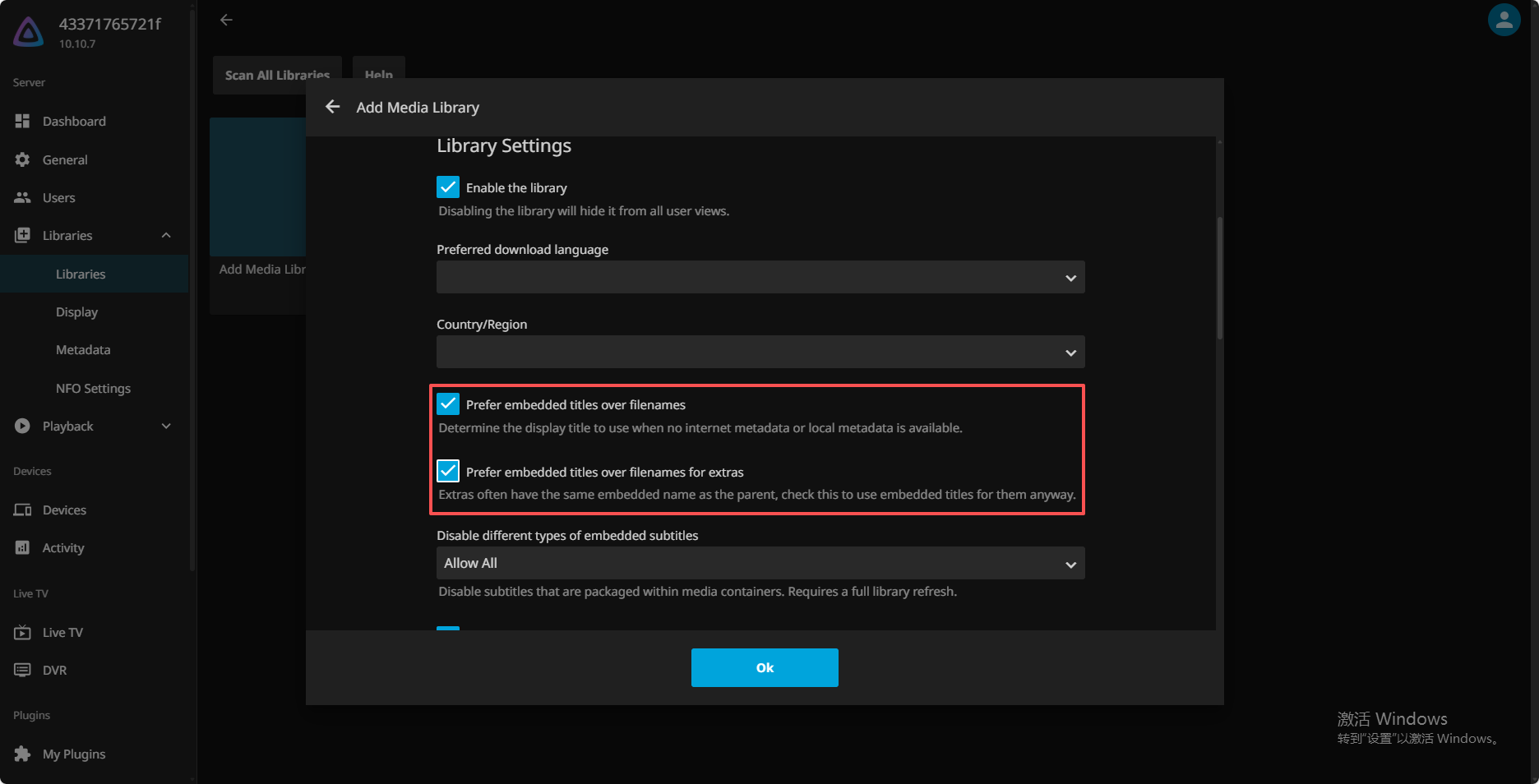
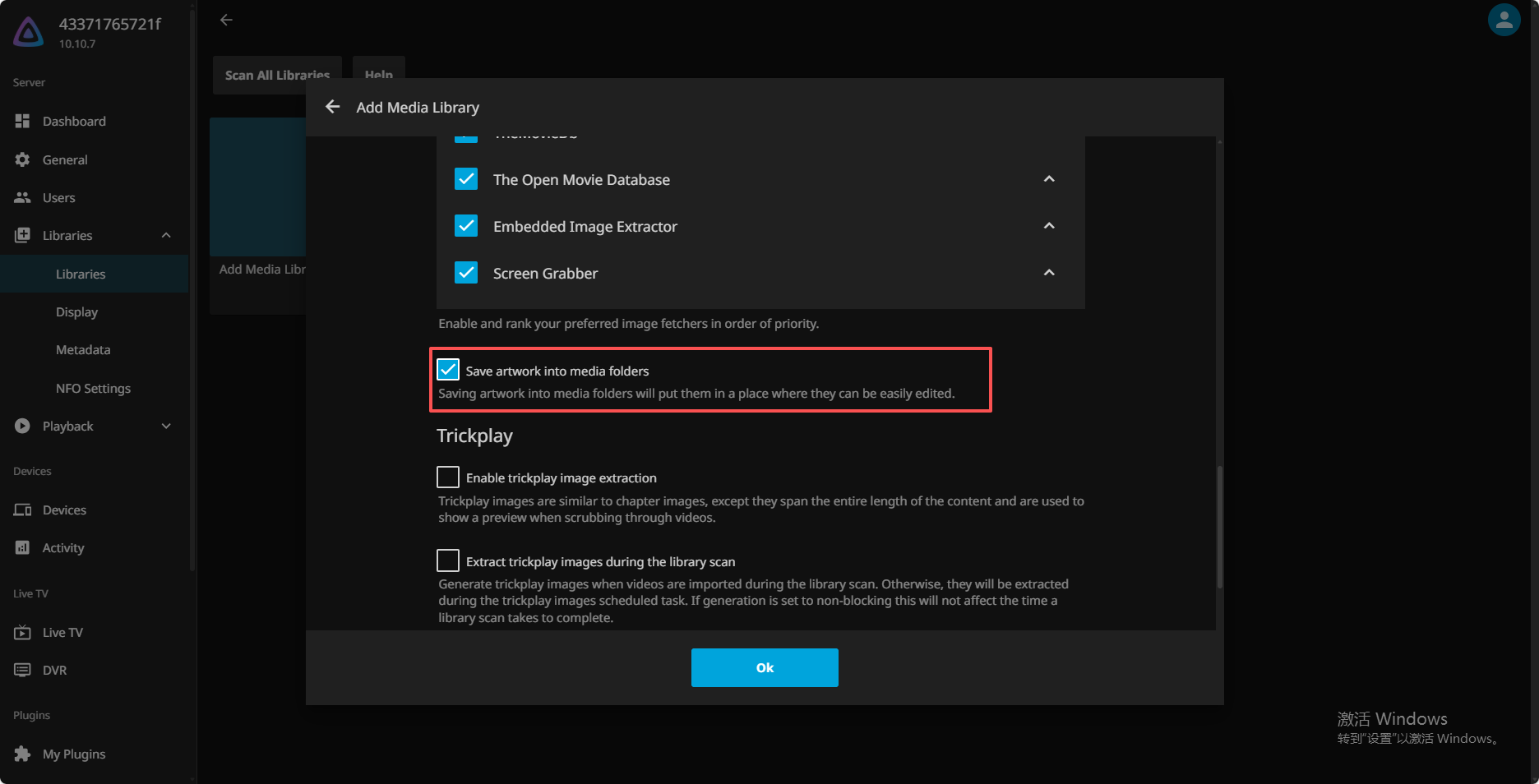
Put all scraped metadata into the same folder, as it makes it easier to organize and transfer data. Click "OK" to complete the setup, and the media library will begin scanning.