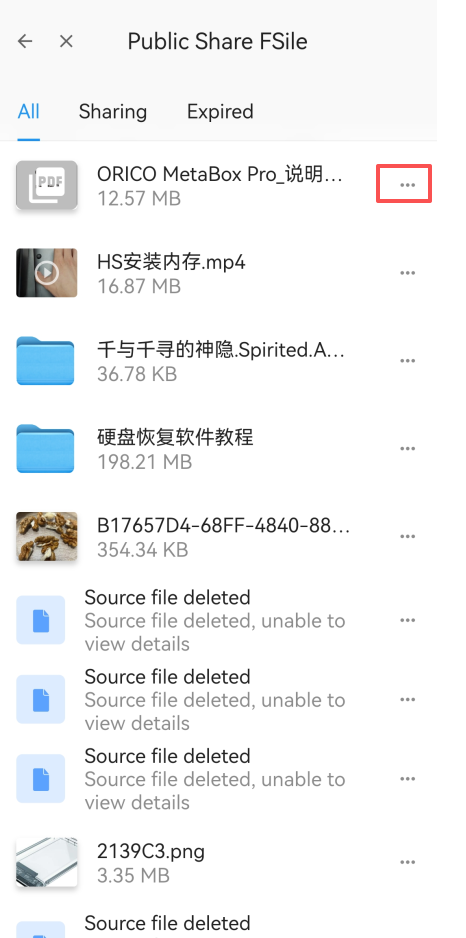


1. Open the Public File Sharing Application
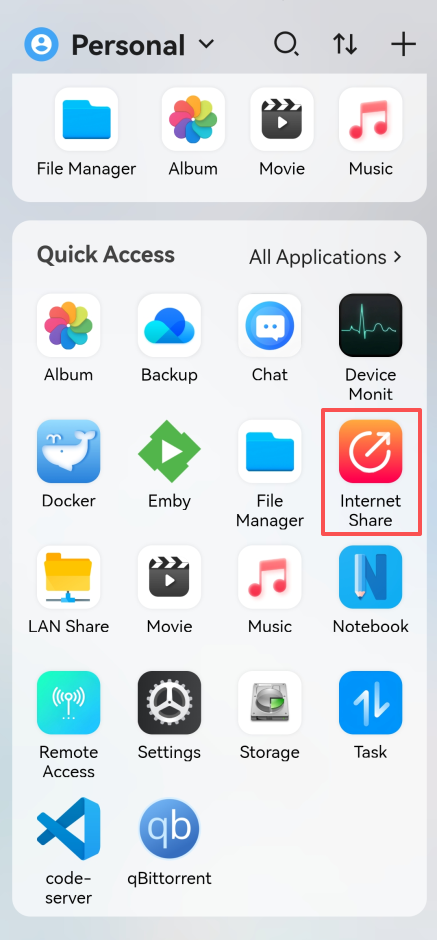
Click the "Public File Sharing" application on the home page. After opening it, you will be able to see the shared files.
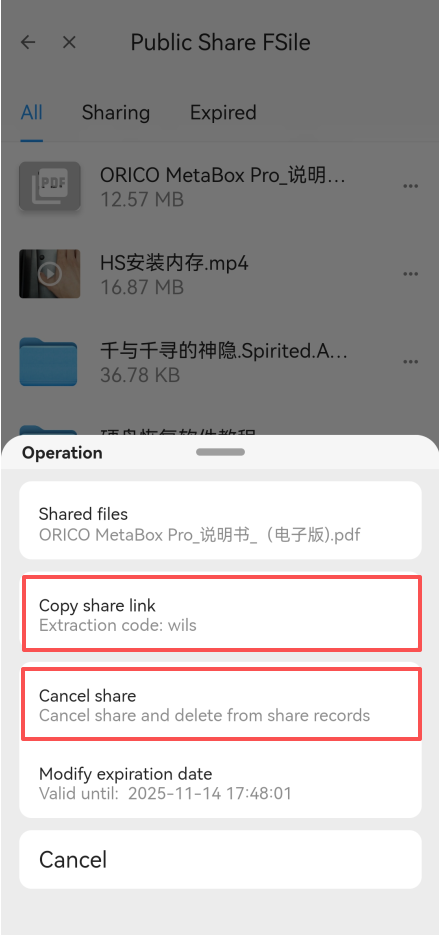
2. Manage File Links
Click the [...] icon on the right side of the file to copy the file sharing link or cancel the file sharing.
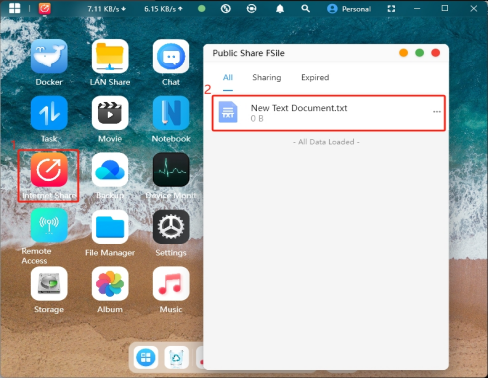
1. Open the Public File Sharing Application
Tap the "Public File Sharing" application on the home page. After opening it, you will be able to see the files you have previously shared.
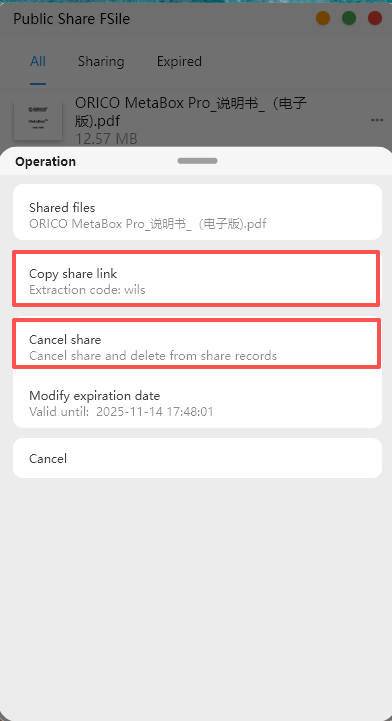
2.You can choose to "Copy Share Link" or "Cancel Sharing".